Classroom Edition brings the exact lessons and games behind Mavis Beacon Teaches Typing to every class in your building — with rosters, reports, and sign-in built for a teacher and thirty students, not one household.
Classroom Edition runs on the same award-winning Mavis Beacon pedagogy schools have trusted since 1987 — now reachable by a whole building from any browser.
Broderbund publishes the original typing tutor for the home computer — still sold today.
A teacher-and-student edition with class management and reports, installed lab by lab, seat by seat.
The same curriculum, reimagined as one login for a teacher and every student in the building.
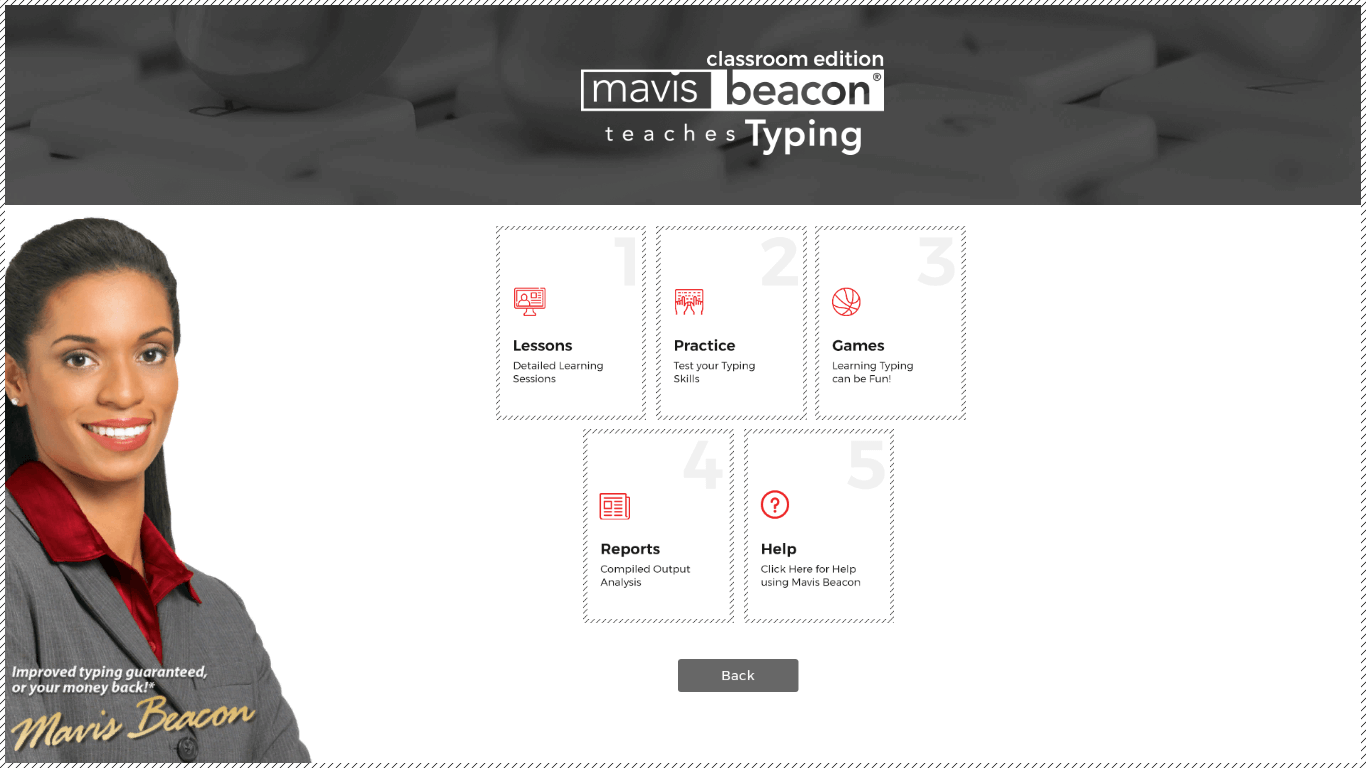
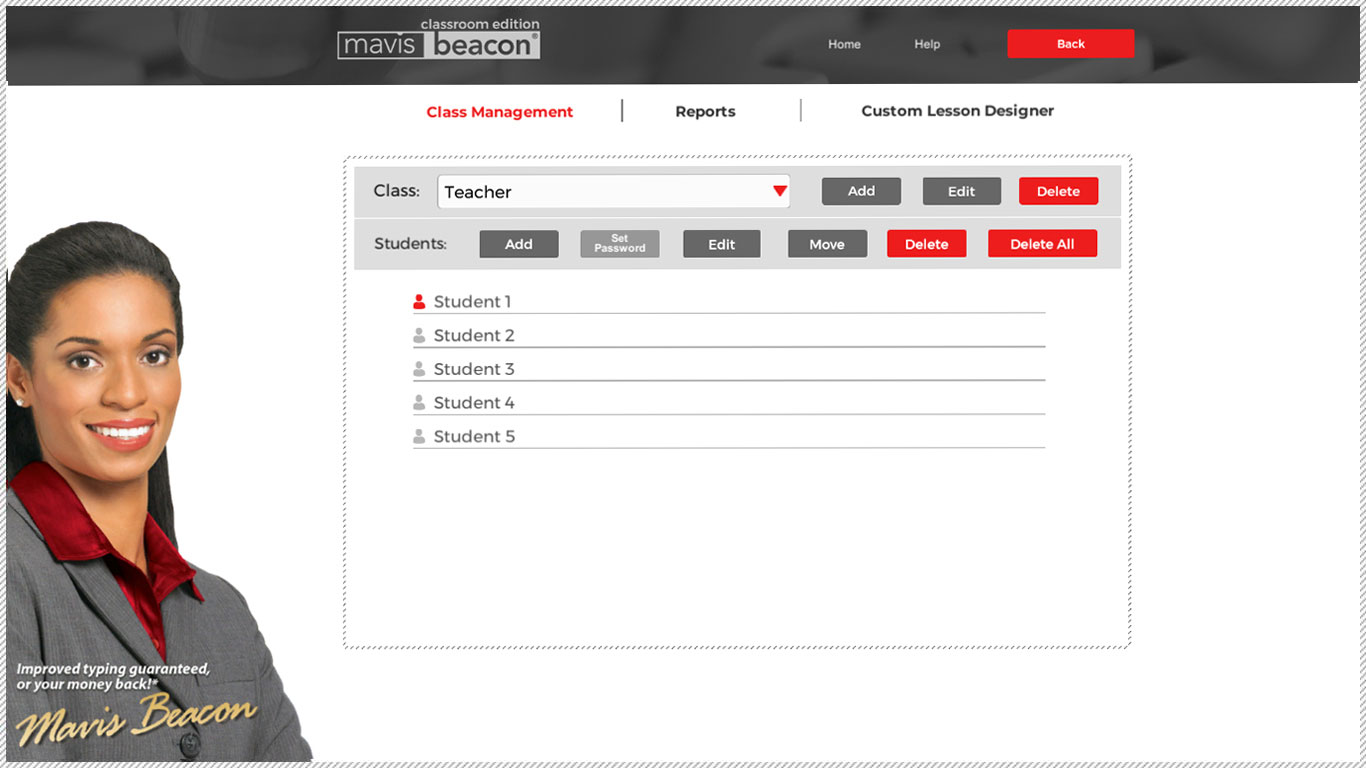
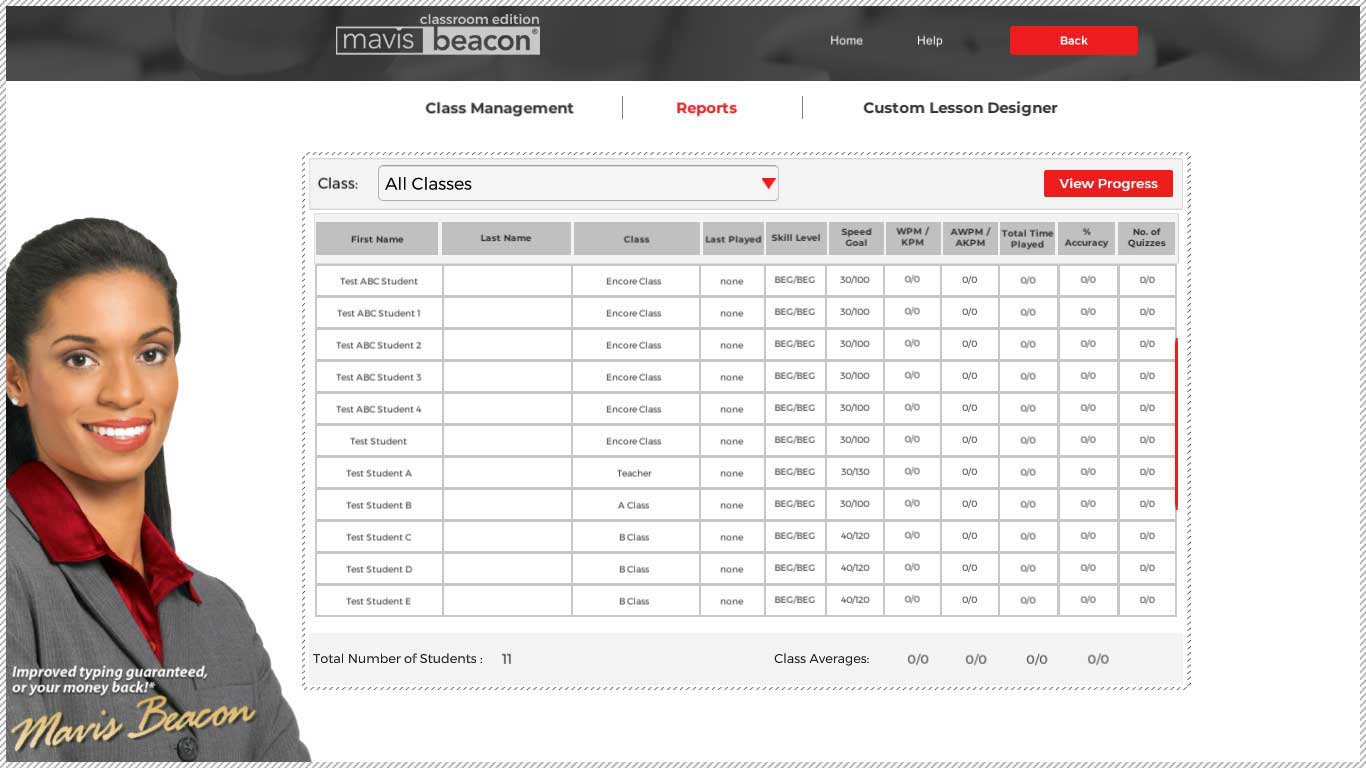
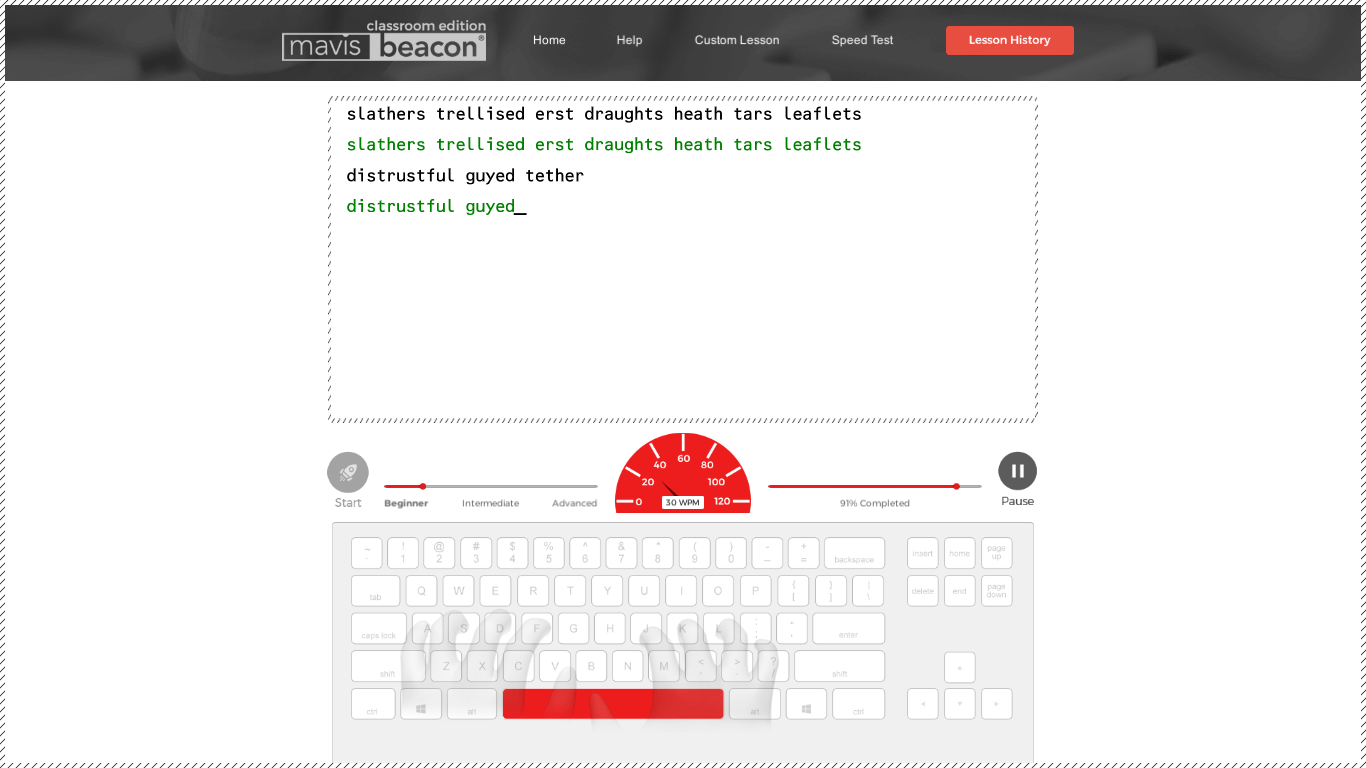
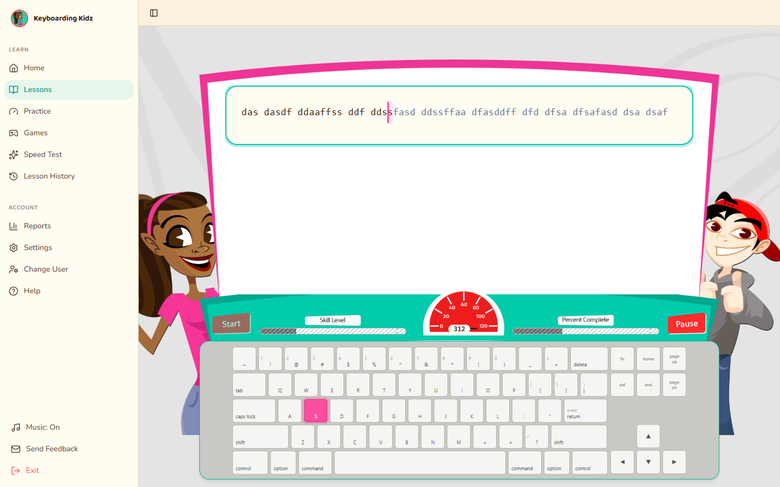
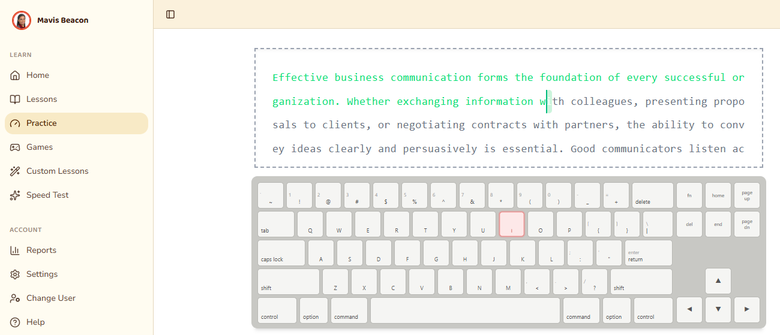
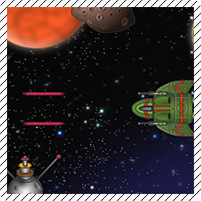
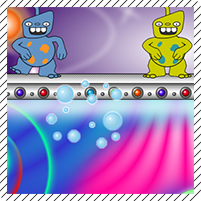
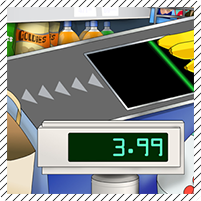
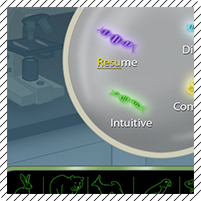
Real screenshots from the desktop product — the same class management, games, and reporting carried into the web edition.


Game-based typing adventures with 12 interface themes and a parent/teacher dashboard.
You are here — the Teaches Typing curriculum, licensed and rostered for an entire building.
100+ skill checks, timed tests, and a completion certificate for teens and adults.
“A great teaching tool for my tutoring center.”
Classroom Edition has run in school computer labs for years. This is that same program, reimagined so a whole building can reach it from any browser — no lab, no installs.
Teachers create a class, add students, and get a join code — replacing the shared network-drive file that only worked from one lab computer.
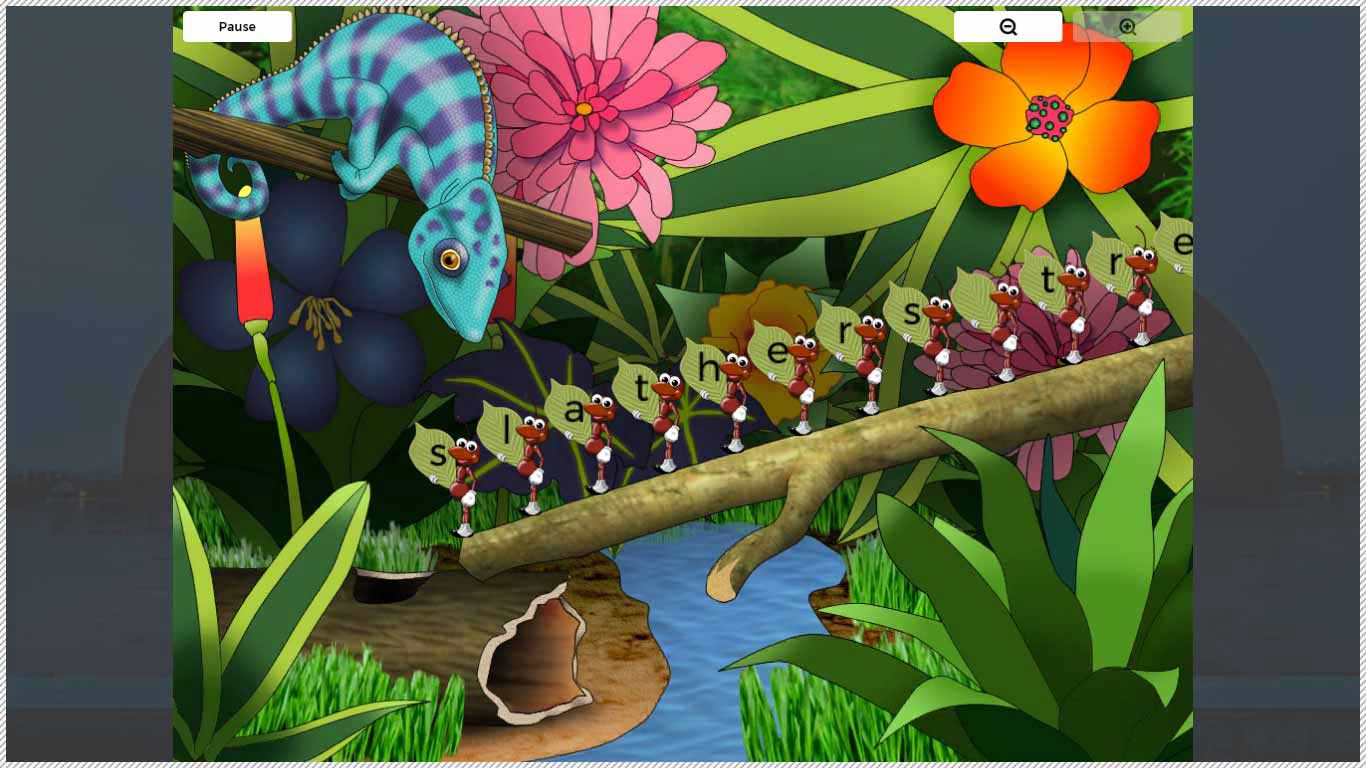
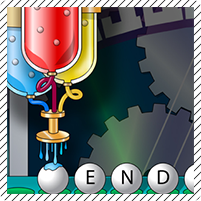
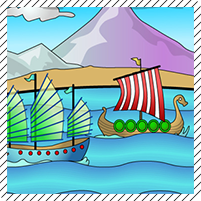
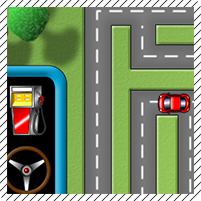
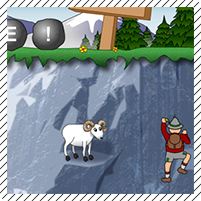
Road Race, Space Junk, Chameleon Picnic and the rest of the Teaches Typing lineup, unchanged — nothing new for returning students to learn.
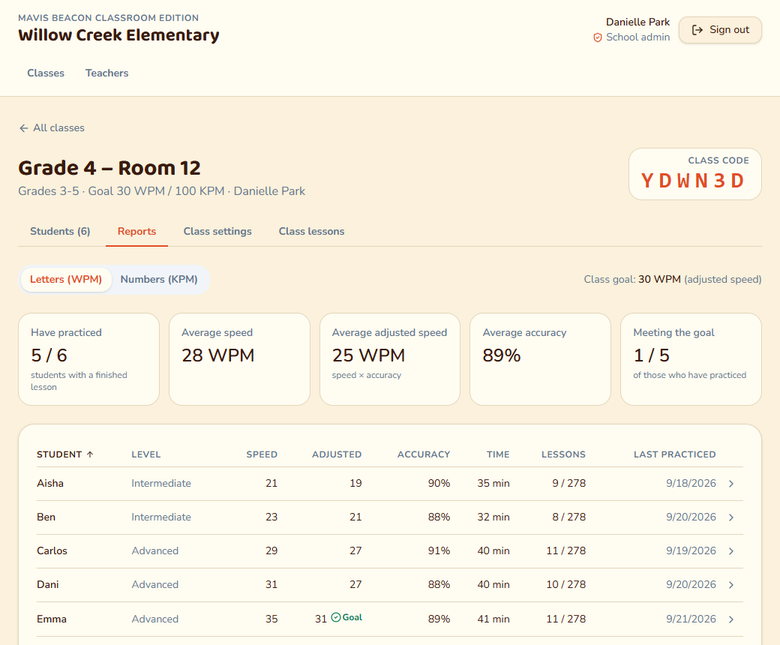
Average speed, accuracy, and lesson level per student and per class, updated the moment a lesson ends.
Redeem a key, name your school, invite a co-teacher — a working class code in minutes, no ticket to IT required.
Every arcade-style game in Classroom Edition, unchanged from Teaches Typing.


The same class code splits into two experiences the moment someone signs in.
Ms. Rivera's classes
Class 3B · tap your name
Licensed by seats, the same way as Teaches Typing and Keyboarding Kidz — sized to a room, a school, or a district.
See the full plan comparison →
Classroom and School are ready to purchase now; District gets a quote sized to your total students.
Once the order is placed, your key arrives by email — the same delivery Teaches Typing and Keyboarding Kidz already use.
Whoever enters the key first names the school and becomes its admin, then invites the rest of the staff.
Same documentation team behind every Mavis Beacon edition.
Setting up classes, rosters, goals, and reading Reports.
Read the guide → For everyoneRedeeming a key, signing in, and the student join flow.
Read the guide → Still stuck?Help with keys, sign-in and orders for every Mavis Beacon edition.
Get in touch →No. A student signs in with the class code their teacher gives them, their name from the class roster, and a 4-digit PIN — nothing to remember but a PIN.
Classroom Edition runs the exact same lessons and games as Teaches Typing. Schools can run either edition, or both side by side — they just don't share rosters with each other.
Whoever redeems the license key first. They can invite other teachers afterward, or hand admin off to someone else.
Yes — Classroom Edition is entirely browser-based, the same as the rest of the Mavis Beacon family. Nothing to install on school devices.
Talk to our schools team — seats can be added to an existing school without starting a new setup.
Classroom fits one teacher piloting it in a single room. School covers a whole building on one agreement. District is for more than one school under a single contract — that one's always a quote, since enrollment varies too much to price on a card.