the same curriculum, built for schools

The whole school,
one typing program.

Classroom Edition brings the exact lessons and games behind Mavis Beacon Teaches Typing to every class in your building — with rosters, reports, and sign-in built for a teacher and thirty students, not one household.

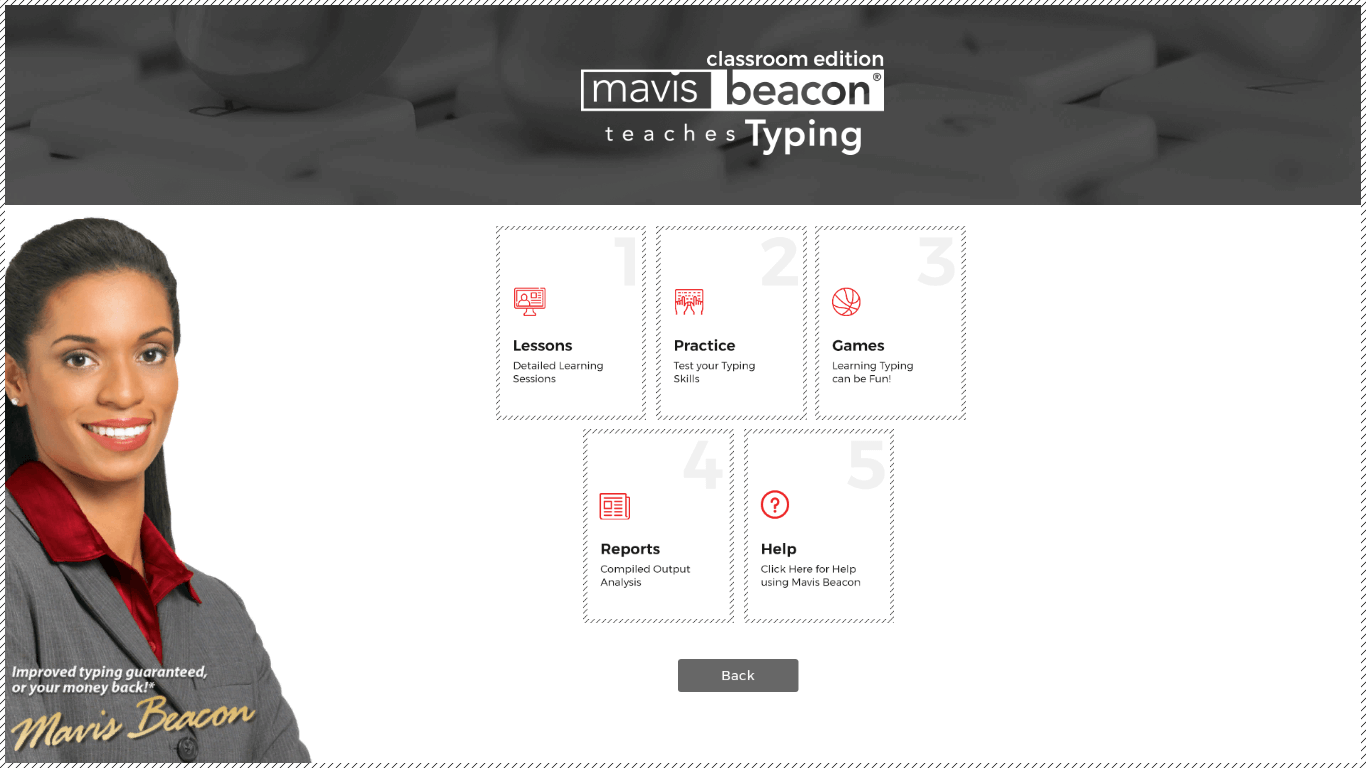
Mavis Beacon Classroom Edition main menu screen
EST. 1987
Trusted since 1987 Works in any browser, incl. Chromebooks Same lessons & games as Teaches Typing Educator-designed curriculum Seat-based school licensing
Why schools trust Mavis Beacon

A time-proven curriculum, taught to millions for over 35 years.

Classroom Edition runs on the same award-winning Mavis Beacon pedagogy schools have trusted since 1987 — now reachable by a whole building from any browser.

10M+
copies sold worldwide — the best-selling educational software of all time
39
years of Mavis Beacon typing pedagogy, since 1987
100+
lessons, exercises & tests across the curriculum
16
arcade-style typing games, built into every edition
1987

Mavis Beacon Teaches Typing

Broderbund publishes the original typing tutor for the home computer — still sold today.

Since

Classroom Edition, on desktop

A teacher-and-student edition with class management and reports, installed lab by lab, seat by seat.

Now

Classroom Edition, in the browser

The same curriculum, reimagined as one login for a teacher and every student in the building.

See it in action

The real software, not a concept.

Real screenshots from the desktop product — the same class management, games, and reporting carried into the web edition.

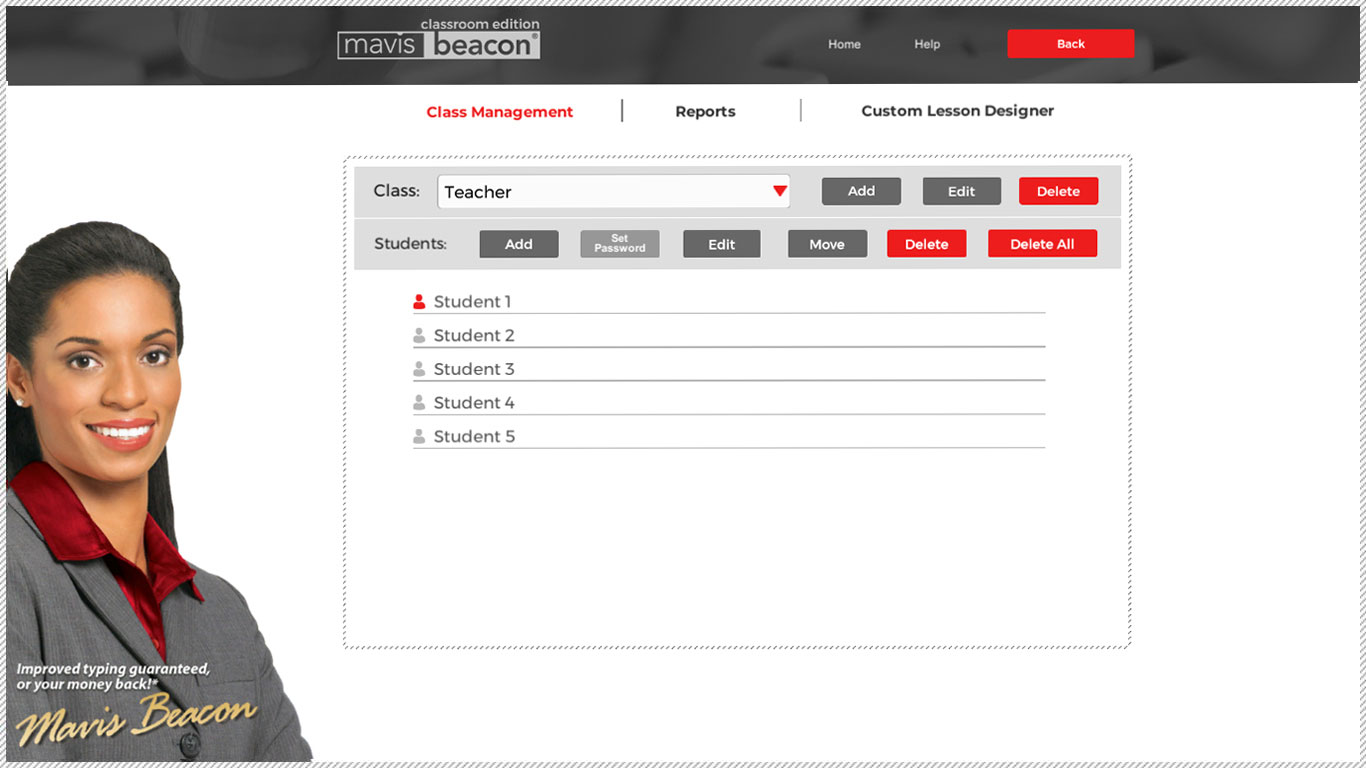
Classroom Edition class roster screen listing students
Class roster & student management
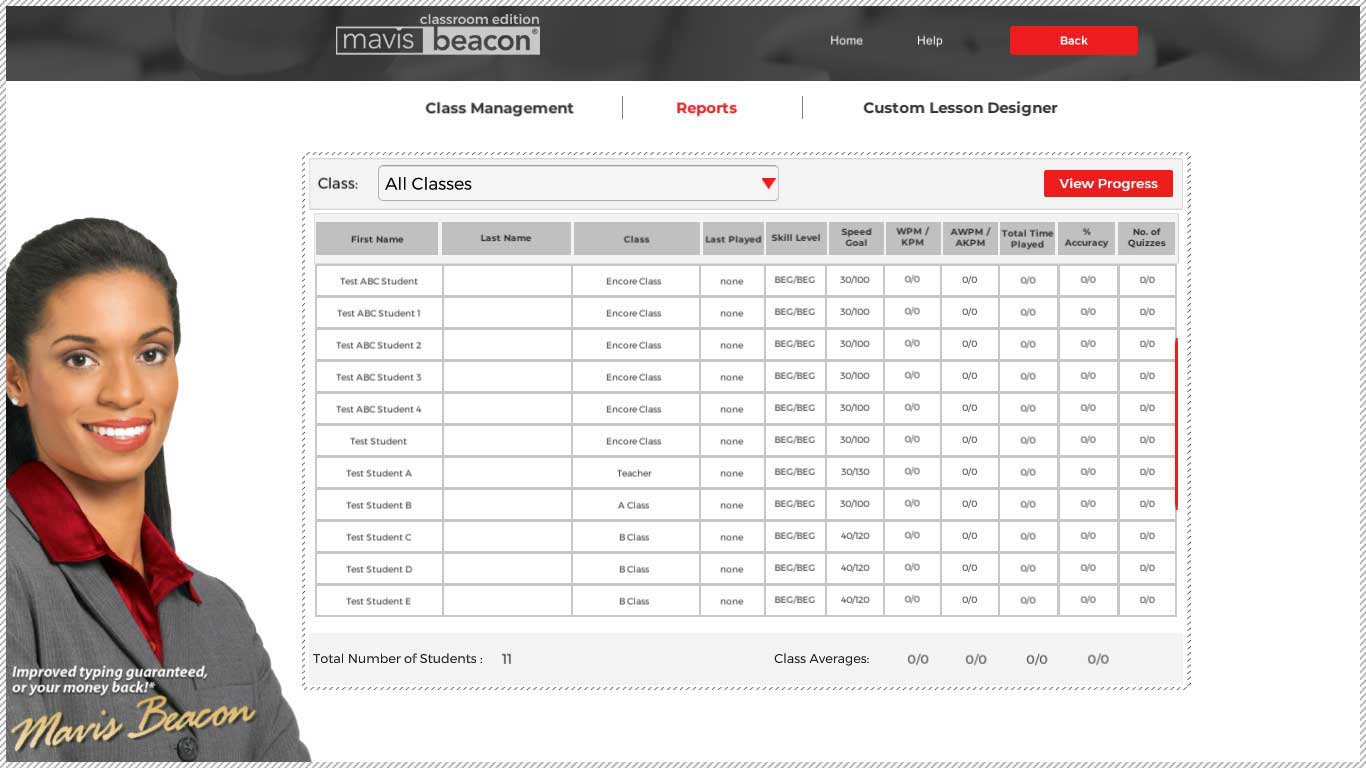
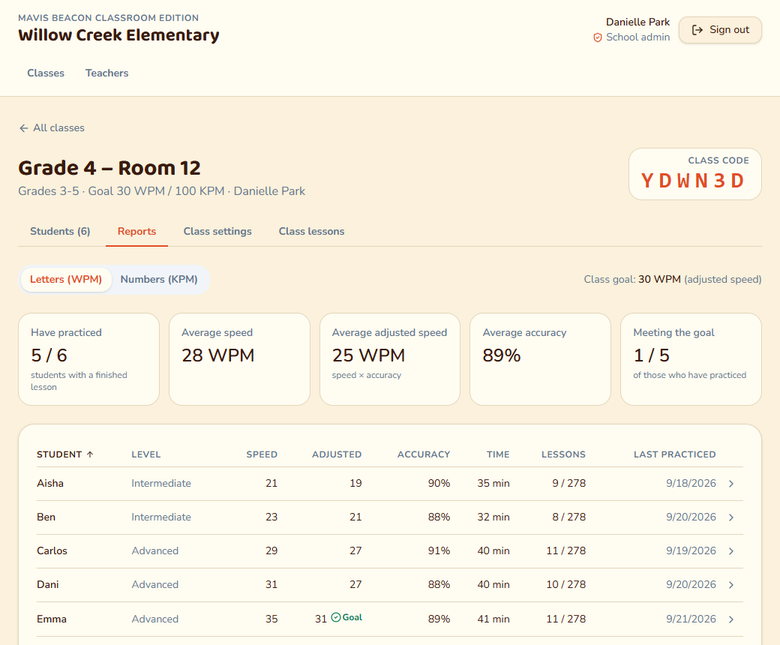
Classroom Edition progress report screen
Per-student progress reports
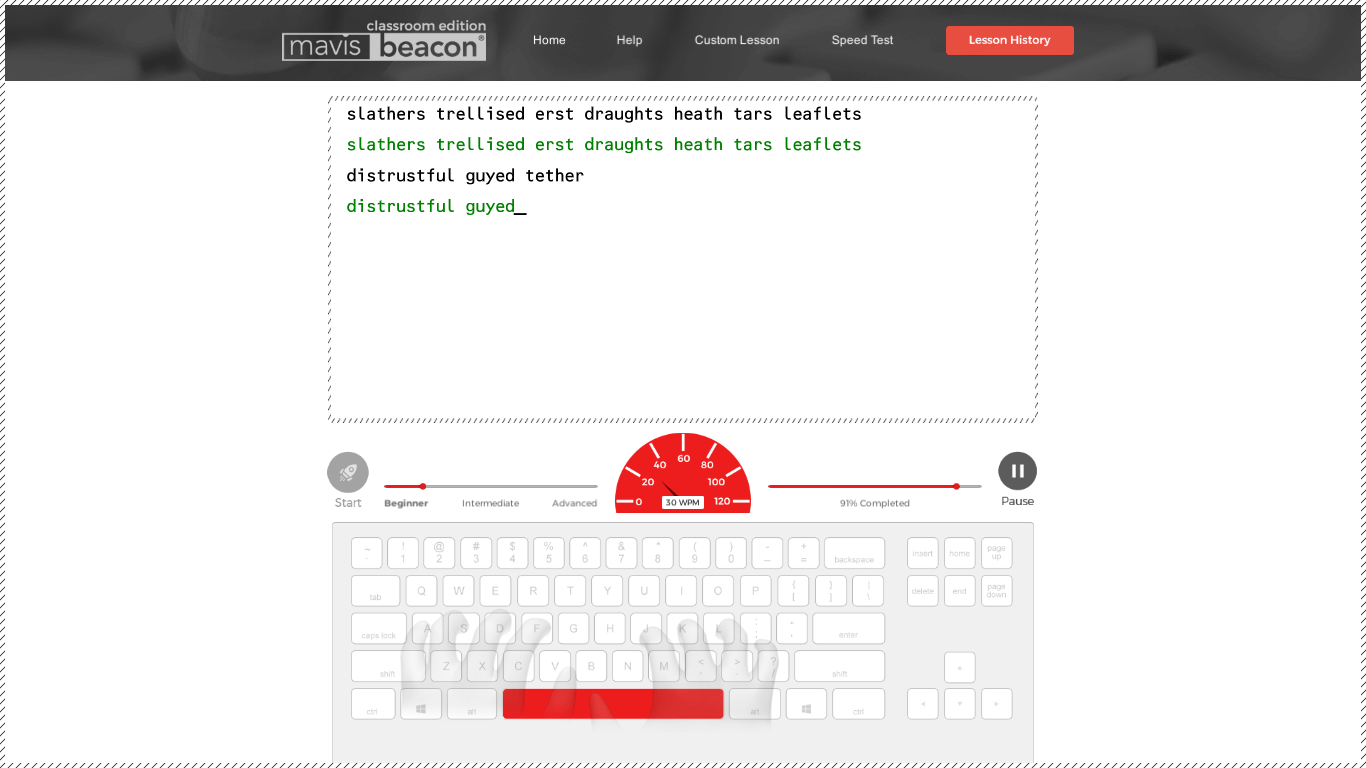
Classroom Edition typing speed test screen
Timed speed & accuracy tests
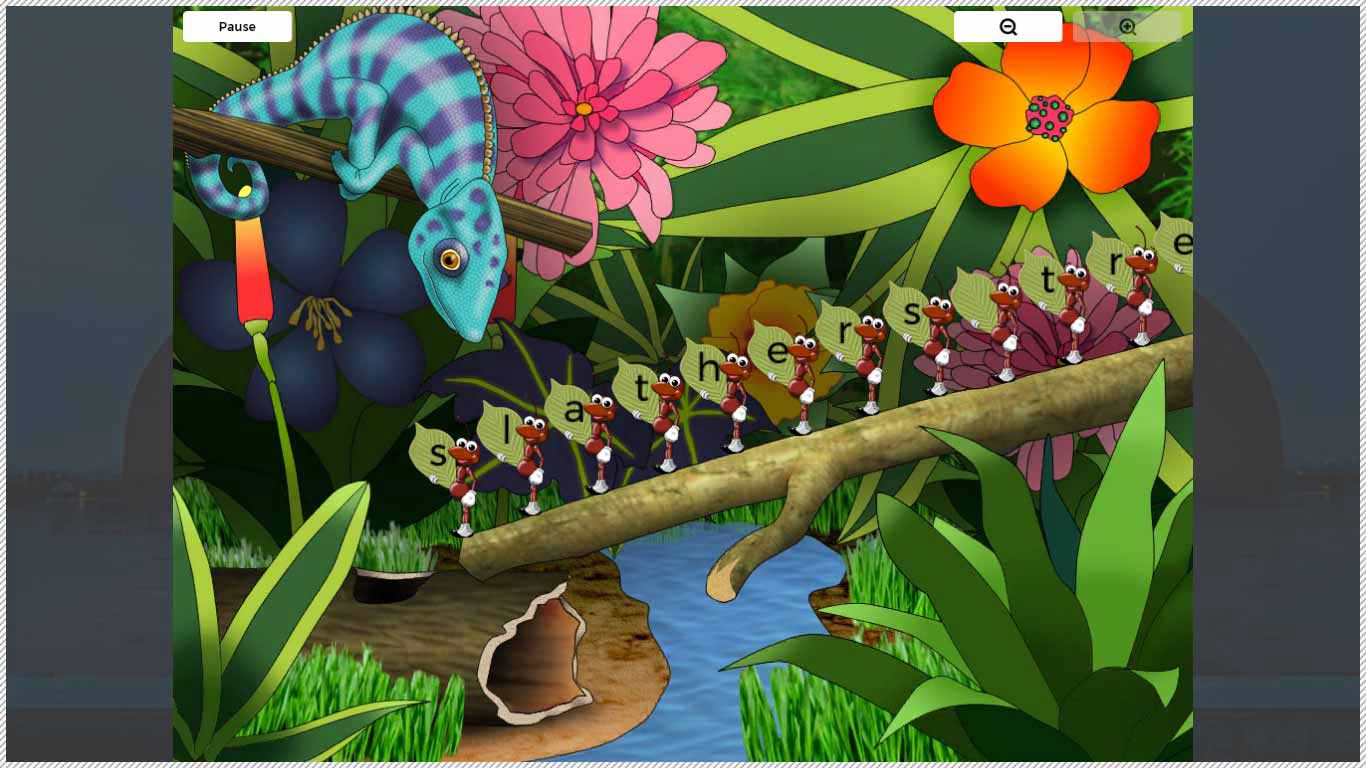
Classroom Edition arcade-style typing game
One of 16 arcade-style games
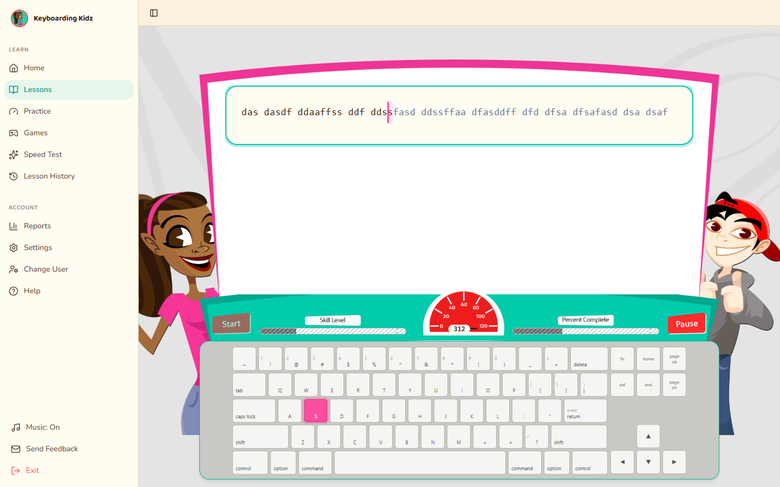
Keyboarding Kidz lesson: the two hosts beside a typing window and colourful keyboard
Ages 6–12

Keyboarding Kidz

Game-based typing adventures with 12 interface themes and a parent/teacher dashboard.

Classroom Edition class report showing each student's speed, accuracy and lessons
Whole school

Classroom Edition

You are here — the Teaches Typing curriculum, licensed and rostered for an entire building.

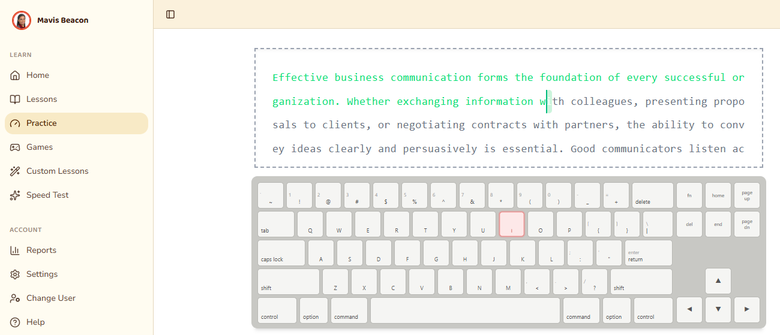
Mavis Beacon Teaches Typing practice session: typing window and on-screen keyboard
Ages 13+

Teaches Typing

100+ skill checks, timed tests, and a completion certificate for teens and adults.

Parents' Choice Silver Honor Award Winner seal
Parents’ Choice Silver Honor Award
Awarded to Mavis Beacon Teaches Typing — the same curriculum inside Classroom Edition.

“A great teaching tool for my tutoring center.”

— verified Best Buy customer review of Mavis Beacon Teaches Typing
As reviewed by Typing Lounge·Software Informer·Best Buy customers
Why a school needs its own edition

One dashboard for a whole building, not one desk.

Classroom Edition has run in school computer labs for years. This is that same program, reimagined so a whole building can reach it from any browser — no lab, no installs.

01

Every class, one roster

Teachers create a class, add students, and get a join code — replacing the shared network-drive file that only worked from one lab computer.

02

The 16 games they already know

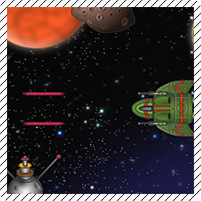
Road Race, Space Junk, Chameleon Picnic and the rest of the Teaches Typing lineup, unchanged — nothing new for returning students to learn.

03

Reports instead of a paper log

Average speed, accuracy, and lesson level per student and per class, updated the moment a lesson ends.

04

Live between periods

Redeem a key, name your school, invite a co-teacher — a working class code in minutes, no ticket to IT required.

All 16 games, by name

Nothing to relearn.

Every arcade-style game in Classroom Edition, unchanged from Teaches Typing.

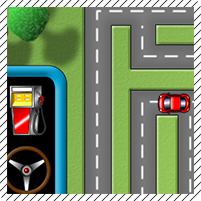
Road Race game screenshot
Road Race
Space Junk game screenshot
Space Junk
Chameleon Picnic game screenshot
Chameleon Picnic
Ride the Wave game screenshot
Ride the Wave
Bubble Pop game screenshot
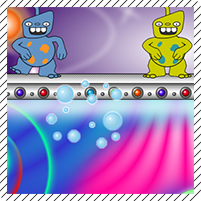
Bubble Pop
Checkout Time game screenshot
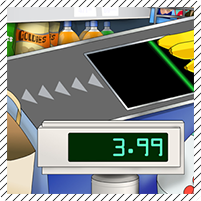
Checkout Time
Crazy Catering game screenshot
Crazy Catering
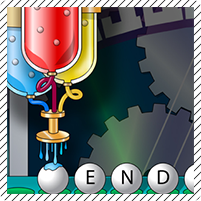
Creature Lab game screenshot
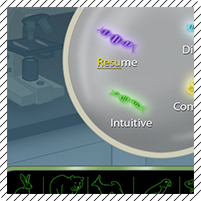
Creature Lab
Far-Off Adventure game screenshot
Far-Off Adventure
Gumball Gambit game screenshot
Gumball Gambit
Penguin Crossing game screenshot
Penguin Crossing
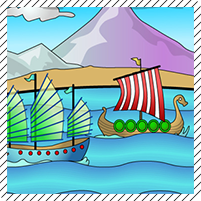
Pirate Race game screenshot
Pirate Race
Road Trip game screenshot
Road Trip
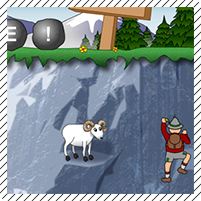
Rockslide game screenshot
Rockslide
Shark Attack game screenshot
Shark Attack
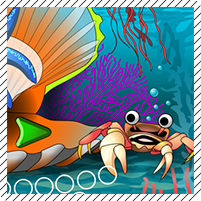
Undersea game screenshot
Undersea
One login, two very different days

Built for the teacher and the student.

The same class code splits into two experiences the moment someone signs in.

Teacher

Runs the class

  • Signs in once with an email and password — no key to re-enter each fall
  • Creates classes, adds students, and shares one join code per class
  • Sets a class typing goal by grade band, applied to every student at once
  • Watches speed, accuracy, and level in Reports, per student or per class
.../classroom/teacher

Ms. Rivera's classes

Class 3B24 students · ABC123
Class 4A18 students · XQP981
Student

Just starts typing

  • No email, no password — a class code, their name, and a 4-digit PIN
  • Lands straight in their own lesson, practice set, or a game
  • Keeps their own goal even when a teacher updates the class default
  • Works the moment they sit at any browser in the room
.../classroom/join

Class 3B · tap your name

Ava
Liam
Noah
Zoe
Mateo
Priya
Lesson 4 · Home Row60%
Pricing

Pick the size that fits your building.

Licensed by seats, the same way as Teaches Typing and Keyboarding Kidz — sized to a room, a school, or a district.

Classroom
$499/school year
up to 25 students · ~$20/student
For one teacher piloting typing in a single room.
  • 1 class, up to 25 students
  • All 16 lessons & mini-games
  • Class reports & typing goals
  • Email support
Get Classroom
District
Custom
priced on total enrollment
For multiple schools under one agreement.
  • Unlimited schools & students
  • District-level rollup reporting
  • PO & invoice billing
  • Dedicated onboarding
Talk to our schools team

See the full plan comparison →

How it works

From quote to a working class code.

1

Pick a tier, or tell us your enrollment

Classroom and School are ready to purchase now; District gets a quote sized to your total students.

2

Get your license key

Once the order is placed, your key arrives by email — the same delivery Teaches Typing and Keyboarding Kidz already use.

3

The first teacher redeems it

Whoever enters the key first names the school and becomes its admin, then invites the rest of the staff.

Support

Help for whoever's stuck.

Same documentation team behind every Mavis Beacon edition.

Questions

Frequently asked

Do students need an email address?

No. A student signs in with the class code their teacher gives them, their name from the class roster, and a 4-digit PIN — nothing to remember but a PIN.

We already have Teaches Typing or Keyboarding Kidz licenses — do we need both?

Classroom Edition runs the exact same lessons and games as Teaches Typing. Schools can run either edition, or both side by side — they just don't share rosters with each other.

Who becomes our school's admin?

Whoever redeems the license key first. They can invite other teachers afterward, or hand admin off to someone else.

Does it run on Chromebooks?

Yes — Classroom Edition is entirely browser-based, the same as the rest of the Mavis Beacon family. Nothing to install on school devices.

What if we need more seats mid-year?

Talk to our schools team — seats can be added to an existing school without starting a new setup.

Which pricing tier is right for us?

Classroom fits one teacher piloting it in a single room. School covers a whole building on one agreement. District is for more than one school under a single contract — that one's always a quote, since enrollment varies too much to price on a card.