The #1 typing tutor — 30 years running

Which program is right for you?

Two editions, one proven method. Choose the experience built for your learner's age and goals — fun games for kids, professional mastery for adults.

Parents' Choice Silver Honor Award Winner
Trusted since 1987
Works in any browser
Family & multi-user plans
Educator-designed curriculum

Frequently asked questions

What age is Mavis Beacon Keyboarding Kidz designed for?
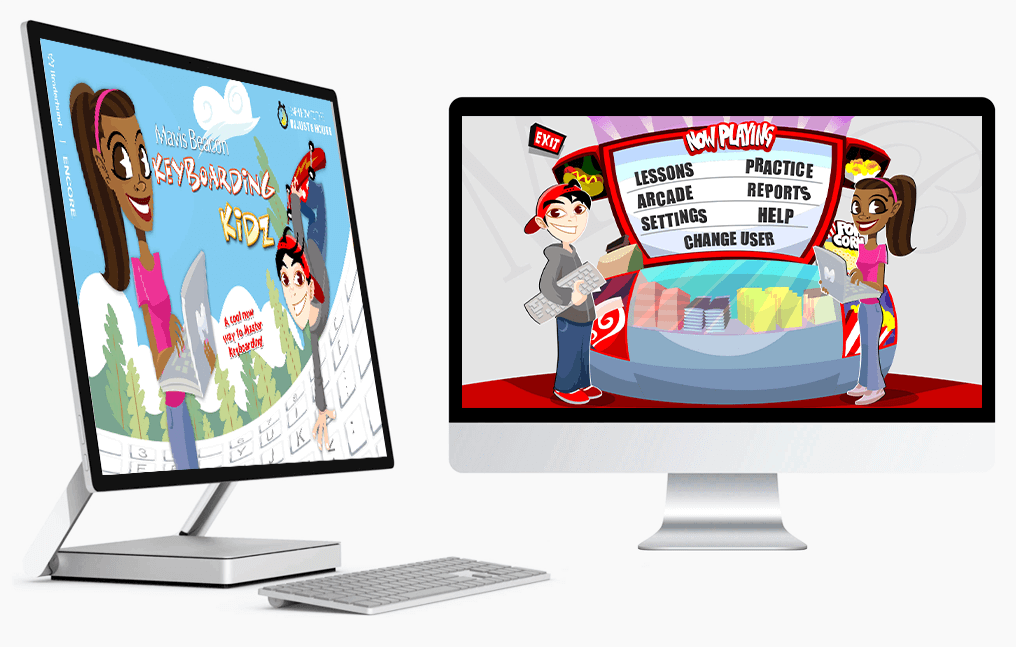
Keyboarding Kidz is built for children ages 6 to 12. It uses games, colorful themes, guided roadmaps, and positive reinforcement to make learning to type fun and age-appropriate.
What is Mavis Beacon Teaches Typing?
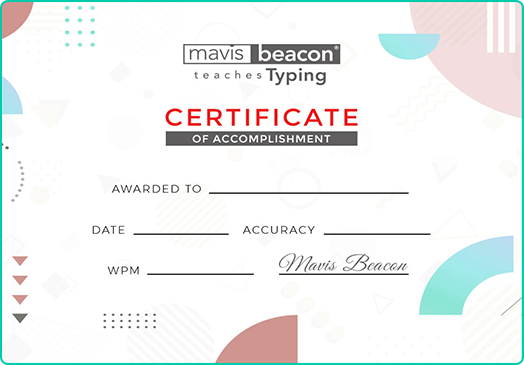
Teaches Typing is the adult-focused edition, suitable for teens and adults ages 13 and up. It includes 100+ skill checks, ergonomics and posture instruction, personal speed and accuracy goal-setting, and awards a completion certificate after 8 hours of structured practice.
Do I need to install anything to use Mavis Beacon?
No installation needed. Both programs run entirely in your web browser — just activate your license key and log in. Works on Windows, Mac, and Chromebook.
How do I buy or renew a license key?
You can purchase or renew directly on this site — click "Buy or renew a license" on either product card above. Keys are emailed instantly after purchase. Renewals are available at a discounted price of $19.99.
What happens when my license expires?
After your license expires you have a 14-day grace period during which your account remains accessible. You'll receive reminder emails at 30 days and 7 days before expiry, and a notice when the grace period begins. Renew at any point to keep your progress and access uninterrupted.